▣
Screen Casting & Virtual Camera
Cast your phone to your PC and turn it into a high-quality virtual camera.

VicastCam uses advanced AI matting to switch virtual backgrounds seamlessly during live streams, bringing professional production to every creator.
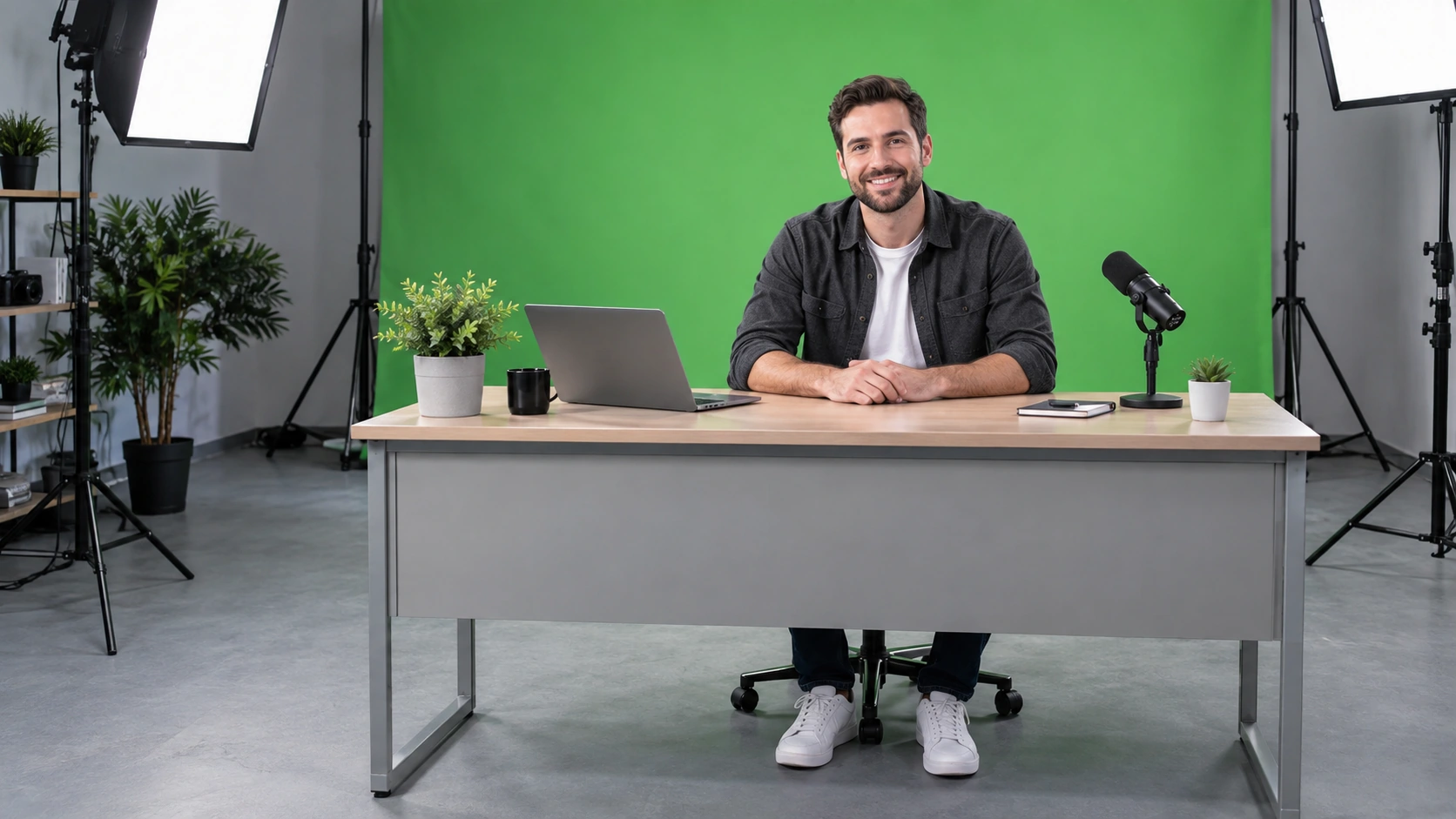
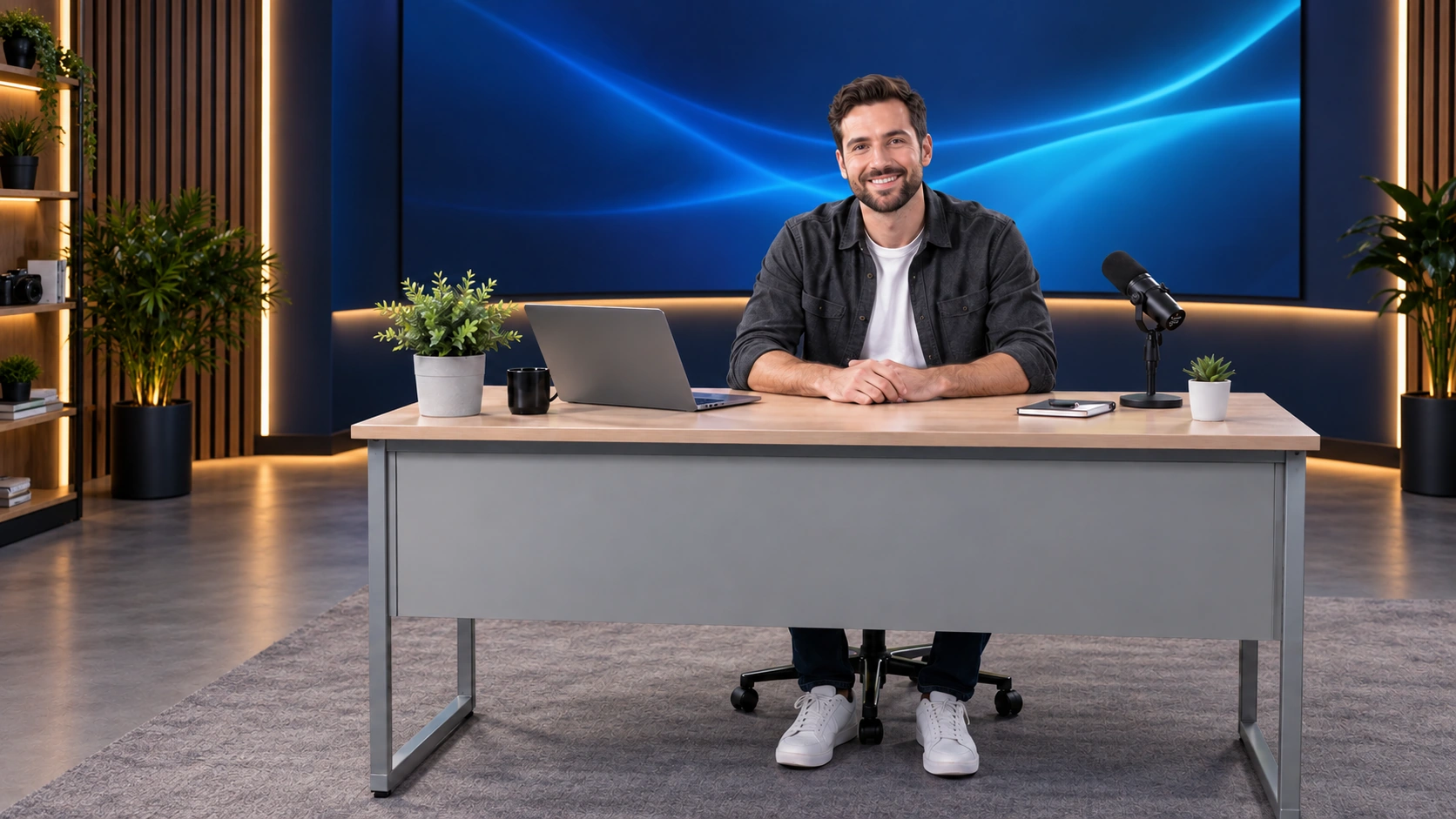 Virtual studioGreen screen
Create engaging scenes anywhere and give every broadcast a professional look.
Cast your phone to your PC and turn it into a high-quality virtual camera.
Switch between camera angles in a tap for richer perspectives.
Add expressive visual layers that bring your live room to life.
Reach your audience on YouTube, Twitch, TikTok and more.
Change scenes, mute audio and adjust effects from any device.
Go live on multiple platforms from your PC at the same time.
Tools for virtual backgrounds, screen casting and live production, wherever you create.
Connect to the platforms your audience already loves.
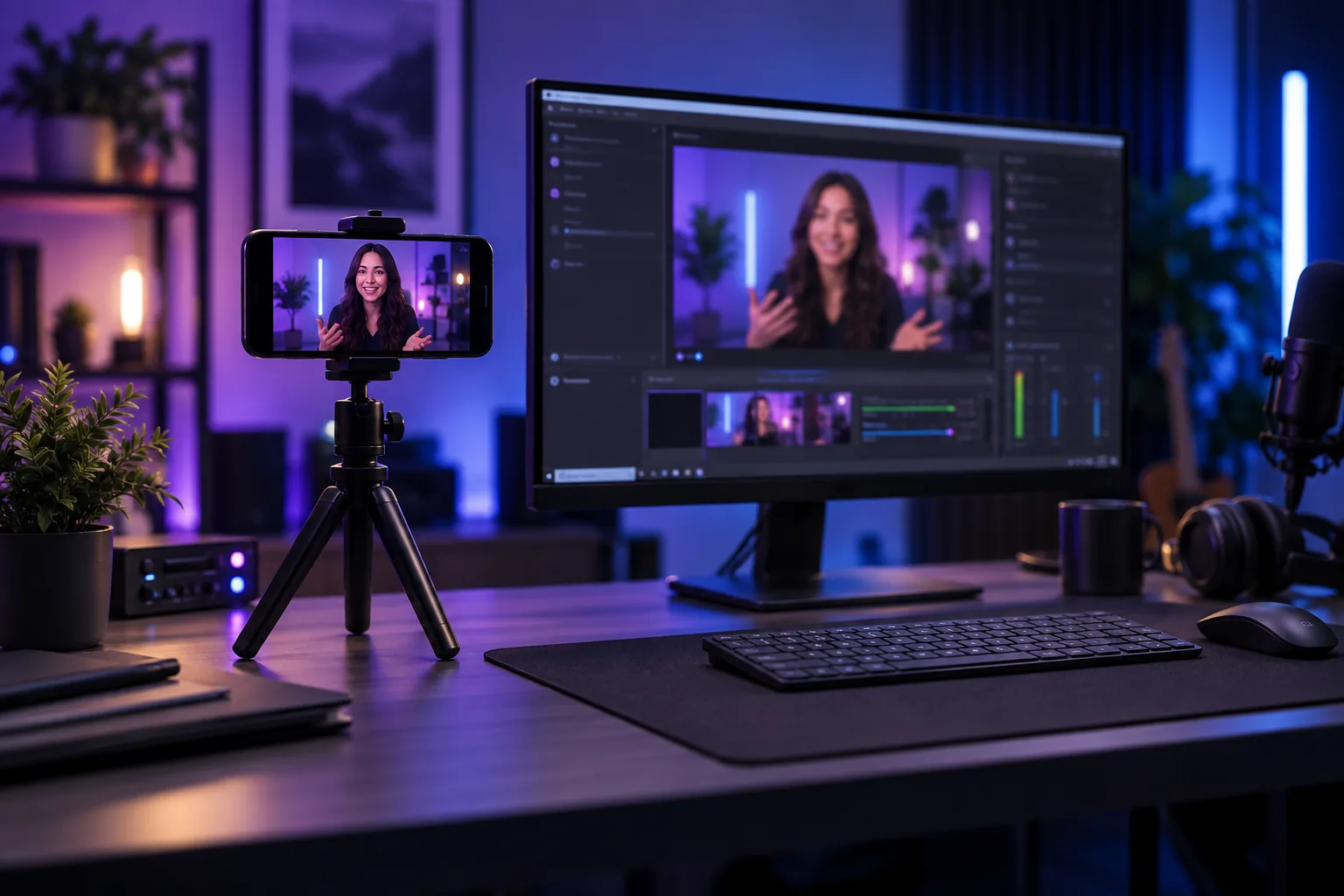
Connect iPhone or Android to Windows via USB or Wi-Fi and use your phone as a PC webcam. Plug in, frame up, and go live.
Get VicastCam ↗Start free and choose more tools when you need them.
The essentials to get started.
Full access, month by month.
More value for regular creators.
One purchase. Create for life.
Find quick answers to common VicastCam questions.
Questions about VicastCam, partnerships or support? Send us an email.
Bring your ideas to life with virtual backgrounds, beautiful effects and effortless screen casting.